
Large-exam Autosave and Resume
Quizzes and GradingLearnomy saves a student's progress through a quiz as they work and lets them pick up exactly where they left off if they close the tab, lose their connection, or come back later. It is built for long, high-stakes exams where losing an hour of answers is not acceptable. It is on for every quiz attempt with nothing to switch on.
What you can do#
- Let students take a multi-hour graded exam without fear of losing answers to a dropped connection, a closed tab, or a dead battery.
- Have a student reopen an in-progress attempt and land on the same question, with every earlier answer already filled in.
- Keep the exam fair on resume: the question order, the answer-option order, and the countdown clock are frozen at the moment the attempt started, so reopening cannot re-roll a random question set or win back time.
- Give students a question map, a flag-for-review marker, and a pre-submit review screen so they can navigate a long exam and check their work before submitting.
- Show instructors an advisory "submitted after the time limit" note on the grading screen when an attempt comes in past its deadline.
How to use it#
For students, there is nothing to turn on. It works like this:
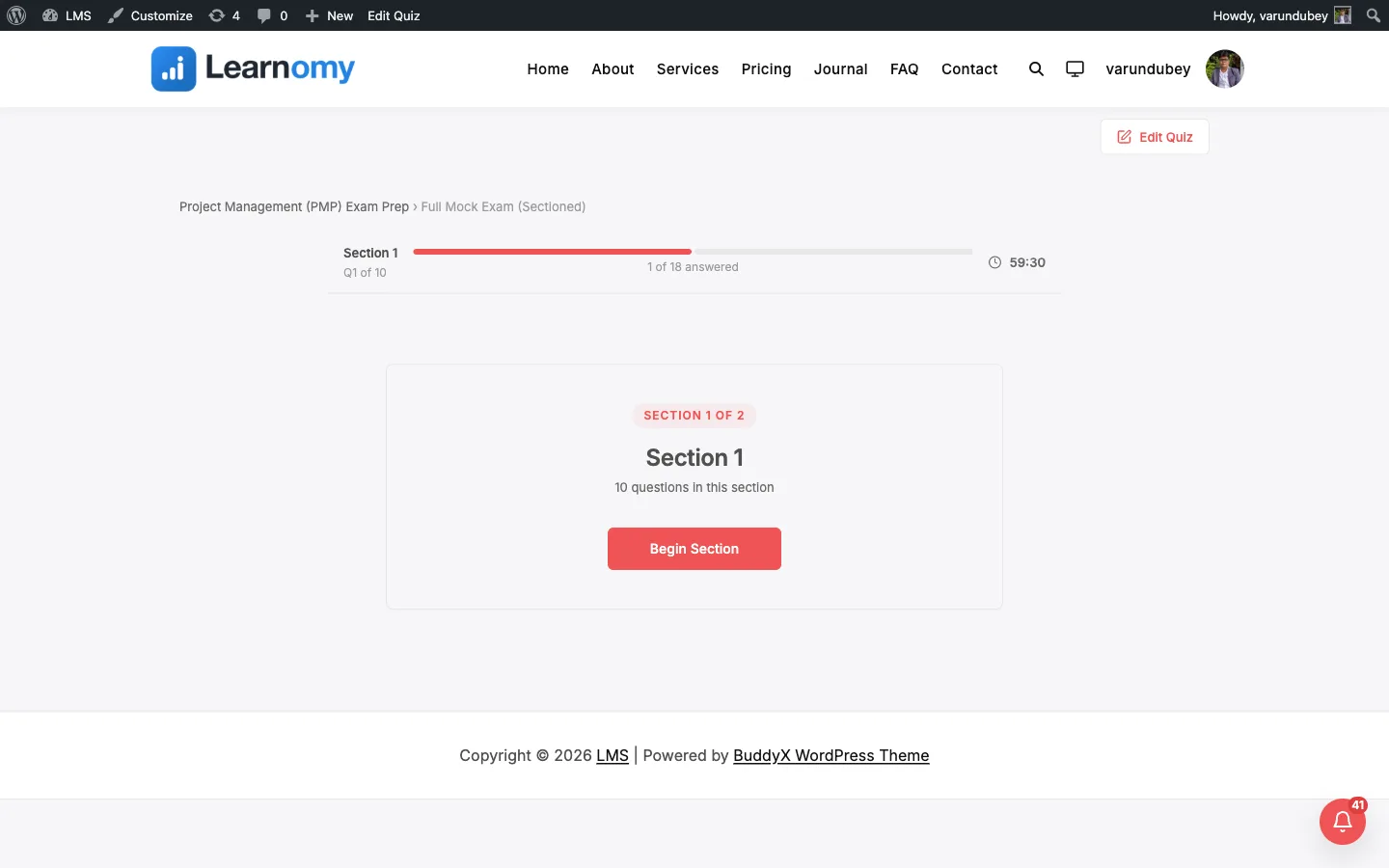
- Start the quiz from the start screen. The attempt is created, and the question order plus the countdown deadline are locked in at this moment.
- Answer questions as normal. Every answer, every move to the next or previous question, and every flag you set is saved in the background a moment after you make it. There is no Save button to press.
- If you need to stop, just close the tab or walk away. Nothing is lost.
- When you come back, open the same quiz again and start it. The player detects your in-progress attempt and restores it: your saved answers are pre-filled, you land back on the last question you were viewing, your flagged questions are still flagged, and the timer shows the time that was left, not a fresh full clock.
- Use the question map (the overview panel) to jump between questions, and flag any question for review while you work.
- On the last question, if anything is still unanswered or flagged, the pre-submit review screen opens so you can jump back and finish. A fully answered, unflagged attempt submits straight away.
Because the deadline is fixed at start, a timed exam cannot be paused by closing it. If the deadline passes while you are away, the attempt submits with whatever answers were saved when you return, the same as if the timer had run out on screen.
Settings and options#
Autosave and resume runs automatically for every attempt, so there is no per-quiz "enable autosave" checkbox. The behavior is shaped by settings you already configure on the quiz plus a few developer filters.
- Time limit (per quiz, on the quiz editor) - sets the countdown. The deadline is frozen at start, so the remaining time is what a student sees on resume. See Building a Quiz.
- Navigation (Free or Sequential, per quiz) - in Sequential mode students cannot jump back through the question map; the map and jump actions are disabled.
- The saved progress lives on the attempt itself (the reserved
saved_state_jsonfield onlrn_quiz_attempts). There is no separate table and no migration, so upgrading does not change your database structure. - Autosave covers every feedback timing (after each question, after submit, and the rest). It does not change how or when answers are graded - the authoritative grading input is still the answers sent at submit.
For developers#
- Save endpoint:
POST /learnomy/v1/attempts/{attempt_id}/state- fire-and-forget from the player (debounced ~400ms). Acceptscurrent_index,answers,flagged, andremaining(seconds left on the client clock). Stored for resume only; never used as the scoring source. - Start/resume payload:
POST /learnomy/v1/quizzes/{quiz_id}/startreturnsis_resume,saved_answers,current_index, andflaggedwhen an in-progress attempt is reopened, plus the frozen question and answer-option order. - Storage:
lrn_quiz_attempts.saved_state_json(longtext), read/written viaQuizAttempt::get_runner_state()/save_runner_state(). Keys includefrozen_order,frozen_options,deadline,current_index,flagged,answers, and (on late submit)late_submission/seconds_over. learnomy_quiz_timer_resume_policy(filter, defaultwall_clock) - returnpause_on_resumeto stop the clock while a student is away and continue from the remaining time on resume. Receives$quizand$attempt.learnomy_quiz_submit_grace_seconds(filter, default60) - grace window past the frozen deadline before an attempt is marked with the advisorylate_submissionflag. Receives$attempt.learnomy_tab_switch_flag_threshold(filter, default3) - number of tab switches before the attempt is flagged on the instructor grading review. Set to0to disable the flag styling.