
Pro Tools Overview
Pro feature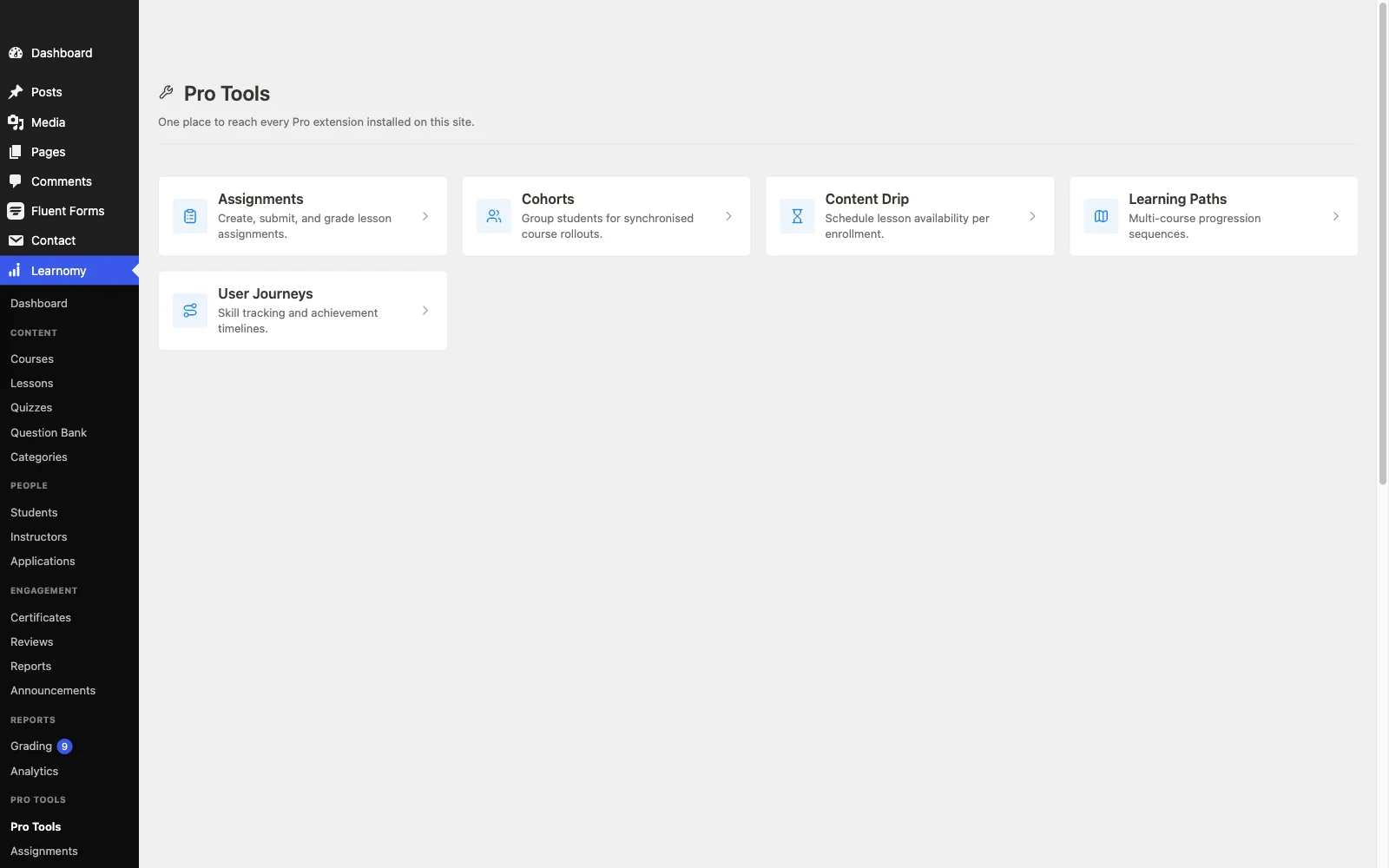
🔶 Pro feature. Available in Learnomy Pro.
Pro Tools is a hub page inside wp-admin that gives you quick access to every Pro extension active on your site. It does not add any functionality by itself. Think of it as a single landing pad so you are never hunting through the sidebar for an advanced feature.
Overview
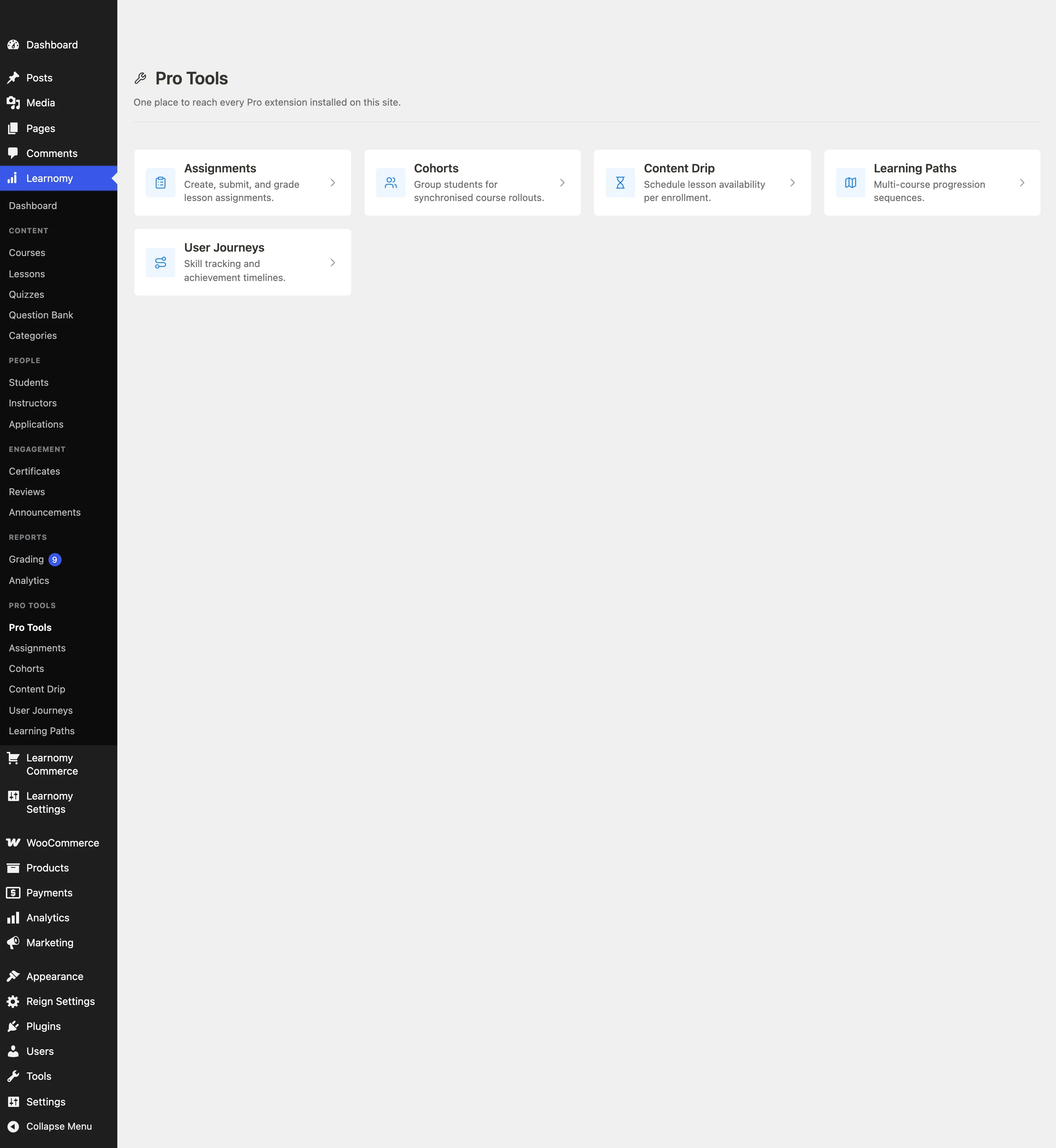
Go to Learnomy > Pro Tools to open the hub. Each enabled extension registers a card here via the learnomy_pro_tools_cards filter. Clicking a card takes you directly to that extension's admin page.
If no Pro extensions are enabled, the hub shows an empty state with a link to Learnomy Settings > Modules where you can switch them on.
What is on the hub
Each card shows an icon, the extension name, and a short description. The extensions that appear on the hub are:
Assignments - Attach written assignments to any lesson. Students submit text from the lesson page; you grade inline from the admin.
Cohorts - Group students into named cohorts scoped to one course. Set start and end dates and a seat cap.
Content Drip - Schedule when lesson content unlocks for enrolled students, either on a fixed date or a number of days after enrollment.
Learning Paths - Chain multiple courses into an ordered sequence. Students enroll in the path and are auto-enrolled in every course step.
User Journeys - Track per-student skill scores, achievements, and a chronological learning timeline.
Spaces - Create group or organisation accounts (mini-schools) with their own student rosters and assigned courses.
The Frontend Builder and White Label extensions are configured from Learnomy Settings rather than the Pro Tools hub. See Frontend Builder and White Label.
Tips
- Extensions must be enabled on the Modules page before their cards appear here. Go to Learnomy Settings > Modules to toggle them.
- Direct URLs such as
?page=learnomy-cohortscontinue to work even when an extension is hidden from the sidebar, so browser bookmarks are safe.