
Webhook Delivery Log
Pro feature🔶 Pro feature. Available in Learnomy Pro.
The Webhook Delivery Log shows the complete outbound delivery history for a single webhook endpoint. Every time Learnomy attempts to POST a payload to your endpoint, the result is recorded here: the HTTP response code, the delivery status, and any retry attempts.
Overview
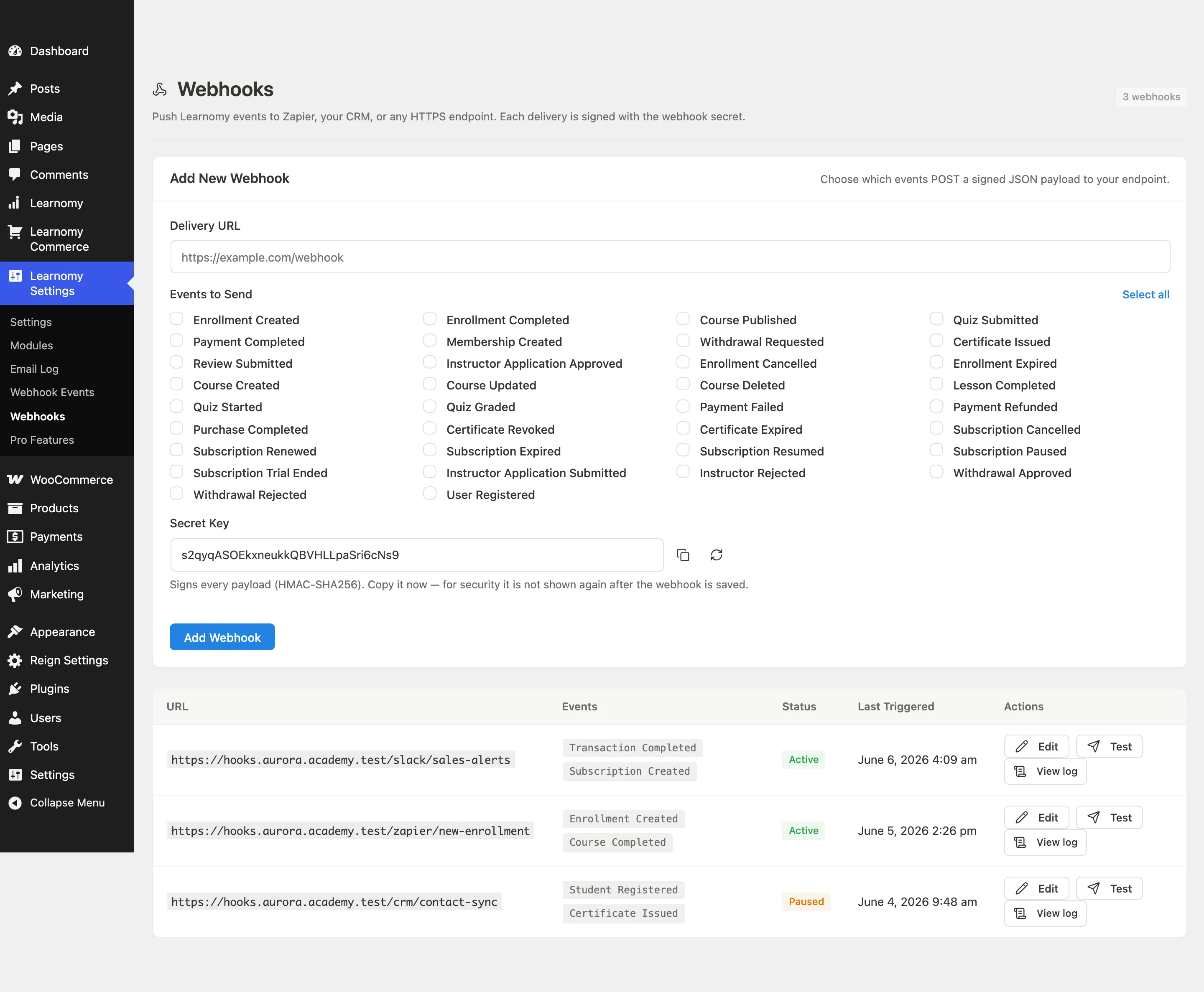
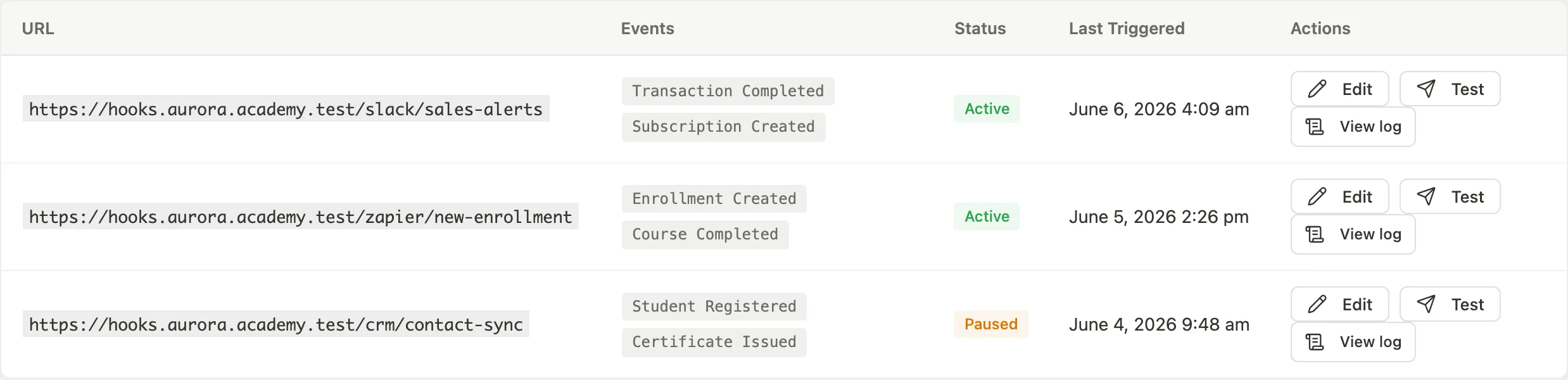
The delivery log is per-webhook, not a global view. Reach it from the row actions on the main Webhooks list: go to Learnomy Settings > Outgoing Webhooks, then use the View log action on any row. This action is added by the Webhooks Pro extension.
Viewing Delivery History
Go to Learnomy Settings > Outgoing Webhooks in the admin sidebar.
On the webhook you want to inspect, click the row actions overflow menu and choose View log.
The page breadcrumb shows Webhooks / Delivery Log so you always know which webhook you are looking at.
The header shows the page title and the endpoint URL.

The table lists deliveries in reverse chronological order with cursor-based pagination.
Filtering Deliveries
Use the filter buttons above the table to narrow the list by delivery status.
| Filter | Shows |
|---|---|
| All | Every delivery attempt regardless of outcome |
| Delivered | Attempts that received a 2xx response from the endpoint |
| Failed | Attempts that received a non-2xx response or timed out |
| Pending | Attempts that are queued or in progress |
Filters update the list immediately without a page reload.
Delivery Statuses
| Status | Meaning |
|---|---|
| Delivered | The endpoint responded with an HTTP 2xx status code. The payload was accepted. |
| Failed | The endpoint responded with a non-2xx code, the connection timed out, or the request was refused. Learnomy will retry failed deliveries on a back-off schedule. |
| Pending | The delivery is queued and waiting to be sent. This is normal immediately after an event fires. |
| Retrying | A failed delivery is being retried. The retry count shown next to the row indicates how many attempts have been made. |
Retrying a Failed Delivery
When a delivery is in Failed status, Learnomy automatically retries it on a back-off schedule. If you need to retry immediately without waiting for the automatic schedule, use the retry button available in the delivery row.
A successful retry updates the delivery record to Delivered and records the new response code.
Navigating Back
Click Back to Webhooks in the page header to return to the main Webhooks list.
Tips
- The delivery log only records outbound attempts to the endpoint you configured. For inbound Stripe and PayPal webhook deliveries, see the Incoming Payment Webhook Log page.
- If you see a sustained stream of Failed deliveries, check whether your endpoint is returning a 2xx response. Many endpoints accidentally return a redirect (301/302) or a non-success code even when they have processed the payload. Learnomy treats anything outside 2xx as a failure.
- Delivery history is stored per webhook endpoint. If you delete a webhook, its delivery history is also deleted.
- The log uses cursor-based pagination, which keeps performance consistent on endpoints that have thousands of delivery records.