The short version
- Yes, AI coding tools can build a course platform prototype in a weekend. A login, a course page, a video lesson and a Stripe button are the easy part.
- The expensive part arrives after launch: refunds, failed renewals, access rules, verifiable certificates, privacy requests and security updates. A custom build makes every one of those your job, for as long as the site runs.
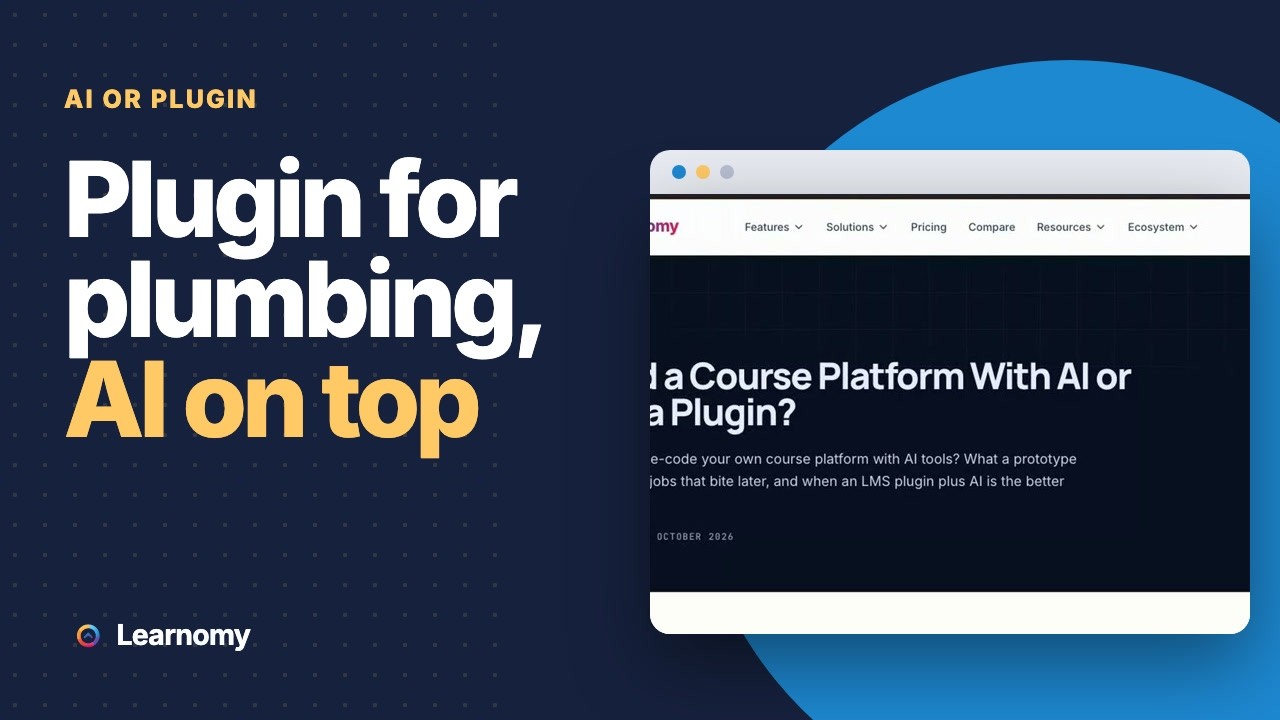
- For most course businesses the better split is an LMS plugin for that plumbing and AI for what makes your course different, such as a custom theme, an integration or the course content itself.
- Build your own when the learning experience is the product, or when engineers will own the code for years.
Can I build my own course platform with AI coding tools?
Yes. AI coding assistants have made a first version of almost anything fast, and a course site is a natural target. Describe the pages, connect a database and a payment provider, and within a few evenings you can have a sign-up form, a course page, lessons that play a video and a button that takes money. For a demo, or to test whether anyone wants the course, that is a real achievement.
The question worth asking is not whether you can build it. It’s what you’ll be running six months later, when a hundred students depend on it and you’d rather be making the next course.
A course platform is mostly unglamorous rules. Who can open this lesson today? What happens to their access when a card fails, or when you refund half the price? Did this student actually finish, and can an employer check the certificate? A prototype rarely answers these, because none of them show up in a demo. They show up in your inbox.
What a course platform has to do every day
Here’s the work a live course site does without anyone noticing, and where each piece lives in Learnomy. Use it as a checklist for a custom build, because every row is something you’d write, test and keep working.
| Job | What can go wrong | In Learnomy |
|---|---|---|
| Taking payment | A buyer is charged and never enrolled, or enrolled and never charged | Stripe and PayPal checkout on your own account, or WooCommerce as the checkout |
| Delayed payments | Bank debits clear days later, and the student gets in before the money does | Enrolment waits until the money actually clears |
| Refunds | A full refund leaves access open, or a partial one closes it | A full refund ends access; a partial refund keeps it |
| Memberships | A failed renewal never ends access, or ends it the same minute | Plans with monthly and annual prices, trials and one-click cancel |
| Access rules | A shared link opens a paid lesson | Lessons check enrolment; preview lessons are opt-in per lesson |
| Progress | Students finish but the site doesn’t know | Lesson completion, quizzes with eleven question types and completion rules |
| Certificates | A PDF anyone can edit and nobody can check | Certificates signed with Ed25519, each with a public verification page |
| Receipts and invites quietly fail | Welcome, receipt, completion and certificate emails, with copy you can rewrite | |
| Privacy | A deletion request means hand-editing the database | Registers with the WordPress export and erase tools |
| Roles | Instructors can see each other’s students | Instructor dashboards that show only their own courses and students |
None of this is exotic. That’s the point. It’s the floor every paying student expects, and it’s where a weekend build spends its next year.
Where an AI-built platform usually gets stuck
AI tools are good at the first draft of each piece. The trouble is at the joins between pieces, and in what happens over time.
Payments are a stream of events, not a button
A checkout button is easy. What follows it is a run of events from the payment provider: paid, failed, refunded, disputed, renewed, cancelled. Each event can arrive late, twice, or out of order. A solid platform records each one exactly once and turns it into the right change in access. When a refund comes after you’ve already paid an instructor, it has to decide what happens to their balance.
Learnomy handles that last case by netting the refund against the instructor’s future earnings instead of rewriting old records, so balances always reflect settled money. That’s one rule. A custom build needs dozens like it, and each one is usually discovered the day it goes wrong for a real customer.
Access is the product you’re selling
What you sell is access, and access has edges. A lesson needs to stay closed to someone who didn’t pay, open for someone on a free preview, and open again for someone who renews after a lapse. It also needs to end properly for someone you refund. Every one of those edges is a place where a paid lesson ends up open to everyone, and you rarely find out from your logs. You find out when the link turns up on a forum.
Data that grows
A prototype is tested on ten rows. A course business that works ends up with thousands of students, enrolments and lesson records. Queries that felt instant start to drag, and exports that worked once time out. Learnomy keeps courses, lessons and enrolments in its own database tables, pages its REST API with cursors and streams CSV exports row by row. Those are design choices you’d need to make deliberately in a custom build, ideally before the data arrives.
Security that has to keep up
Every login form and payment callback is something someone will probe. A custom platform needs signed webhooks, rate limits on sign-in, checks on who can see which record, and prompt fixes when a dependency announces a vulnerability. AI can write a lot of that code. It can’t take responsibility for updating it on a Tuesday night when an advisory lands.
Upkeep is forever
This is the part that decides most of these projects. Every library the AI pulled in will release updates, some with breaking changes. Payment providers change their APIs, and browsers change how video plays. Somebody has to read those notices and keep the platform working. With a plugin, that somebody is the plugin’s team. With a custom build, it’s you, or whoever you pay.
What it really costs to run each route
The first version of a custom build can cost almost nothing but your time. The comparison that matters is the cost of a year.
| Line item | Custom build with AI tools | Learnomy on WordPress |
|---|---|---|
| Software | Free to write; your hours to maintain | Learnomy licence, annual or lifetime |
| Hosting | An app host and a database | Ordinary WordPress hosting |
| Payment fees | Your processor’s fee | Your processor’s fee; Learnomy takes no cut |
| Fixing payment and access edge cases | Yours, as they turn up | Already handled in the plugin |
| Security and dependency updates | Yours, indefinitely | Plugin updates you apply, tested on staging |
| Support when a student is stuck | You, reading your own code | You, with documented screens and logs |
Put an hourly value on your own time, even a rough one. A few hours a month of upkeep on a custom platform adds up to more than a Learnomy licence within the first year for most people. If you’d enjoy those hours, that’s a fair choice. If you wouldn’t, it’s a cost you didn’t plan for.
When building your own is the right call
A custom platform isn’t a mistake in every case. It’s the right call when:
- The learning experience is your product. If you’re building something no LMS shape fits, such as a coding sandbox or an adaptive drill engine, a plugin would get in your way.
- You have engineers for the long run. A team that already maintains software can absorb one more system, and gets full control in return.
- Courses are one feature of a bigger app. If you already run a software product and training sits inside it, adding a learning module to your own codebase can beat bolting on a second system.
- You’ve outgrown the plugin on purpose. Some businesses reach a scale or a model where a custom build pays off. Get there with a working business first, then rebuild with real data on what matters.
If one of those describes you, use the job table above as your budget. Each row is a piece of work to plan and test before students depend on it.
The split that works for most course businesses
For most people selling courses, the best use of AI is not the plumbing. It’s everything around the plumbing that makes the course yours. Let an LMS plugin take payment, manage access and track progress, and point your AI tools at the layer above.
Learnomy is built to be extended that way:
- A REST API with 200+ routes. Courses, lessons, enrolments, progress and more, for a custom front end, a mobile app or a sync with another system.
- Signed outgoing webhooks. Learnomy posts a signed payload when a chosen event happens, such as an enrolment or a completion, so your own code or a tool like Zapier can react. The number of webhooks is not capped.
- Hundreds of hooks and filters. A companion plugin can change behaviour without touching Learnomy’s code, so updates don’t wipe out your changes.
- Template overrides. Copy a front-end template into your theme and change it, the same pattern WooCommerce uses. Your version survives plugin updates.
- An incoming access webhook. If you sell somewhere else, one signed request per order gives the buyer access on your site.
That’s a good brief for an AI coding assistant: “Write a small plugin that listens to Learnomy’s completion webhook and adds the student to my CRM,” or “Override the course card template so it shows the instructor’s photo.” Each task is narrow and testable, and it sits on top of a system that already handles the hard rules. The hooks reference and the template overrides guide are the documents to hand it.
Where AI helps with the course itself
Code isn’t the only thing AI can draft. Learnomy has AI authoring, which drafts a course outline or quiz questions with an AI provider you connect yourself. It’s off until you connect one, and everything it writes is saved as a draft for you to edit. It’s useful for getting past a blank page. It doesn’t replace knowing your subject, and students can tell the difference.
You can also use any AI assistant outside the plugin to tighten lesson scripts, write quiz explanations or draft the emails Learnomy sends, then paste the result in. The course is still yours. The tool just speeds up the typing.
Start on a plugin, and keep the door open
The choice isn’t final. A sensible path for many course businesses is to launch on a plugin, prove that people buy, and decide about a custom build later with real numbers in hand. That works only if your data can leave, so check that before you commit to any platform, including ours.
With Learnomy the data is already yours. Students, enrolments, progress, orders and certificates are rows in your own WordPress database, not records on someone else’s server. You can download students, transactions and subscriptions as CSV files whenever you like, and the REST API reads the same records page by page. If you do build your own platform in a year’s time, you start from your full history instead of an export you had to request.
Going the other way is harder. A custom platform built quickly often stores things in whatever shape was convenient that week. Moving off it later means writing a migration for a data model nobody documented. If you build first, write down the data model as you go, and keep an export you’ve actually tested.
There’s a middle step too. Keep Learnomy as the system of record and build only the front end yourself, talking to the REST API. Students get the custom experience, and the payment, access and certificate rules stay in code that someone else keeps working.
Decide in an afternoon
You don’t need a long evaluation to choose. Run this on a staging site.
- Install Learnomy and run the setup wizard. It asks what kind of academy you run and takes about five minutes.
- Build one real course. Add a section, a few lessons with video, and a quiz, using Manage Curriculum.
- Put a price on it and connect Stripe or PayPal in test mode under Learnomy Settings > Payments.
- Buy it yourself, finish it, and get the certificate. Then refund the purchase and check that access ends.
- Write down what’s missing. Be specific: a screen, a rule, an integration.
Now look at that list. If it’s a handful of items, each one is a small, well-defined job for you or an AI coding assistant on top of the plugin. If the list is the whole product you had in mind, building your own may be right, and you’ve lost one afternoon learning exactly what a platform has to do.
What Learnomy doesn’t do
Be clear about this before you choose the plugin route. Learnomy doesn’t host or stream video; lessons play video from a host such as Vimeo, or through MediaShield. There’s no built-in email marketing or funnel builder, and no built-in single sign-on. There’s no native mobile app either, although the REST API with token sign-in lets a developer build one, and an installable web app mode is in beta. If one of those is central to your plan, it’s either a separate tool or the custom part you build.
Where this leaves the decision
AI coding tools have changed how fast a first version appears. They haven’t changed how much work a live course site does every day. If the learning experience is the product, build it, and budget for the jobs in the table above. If the course is the product, let a plugin carry the plumbing and spend your AI time on the parts students actually see.
The live demo below builds you a private copy to click through first, and the pricing page lists what a licence covers.